Skip to content
2026/2027 in-house training dates are now open.Request a proposal →
Digital & AI training

Excel, VBA & Macro Automation for Corporate Professionals (Basic)

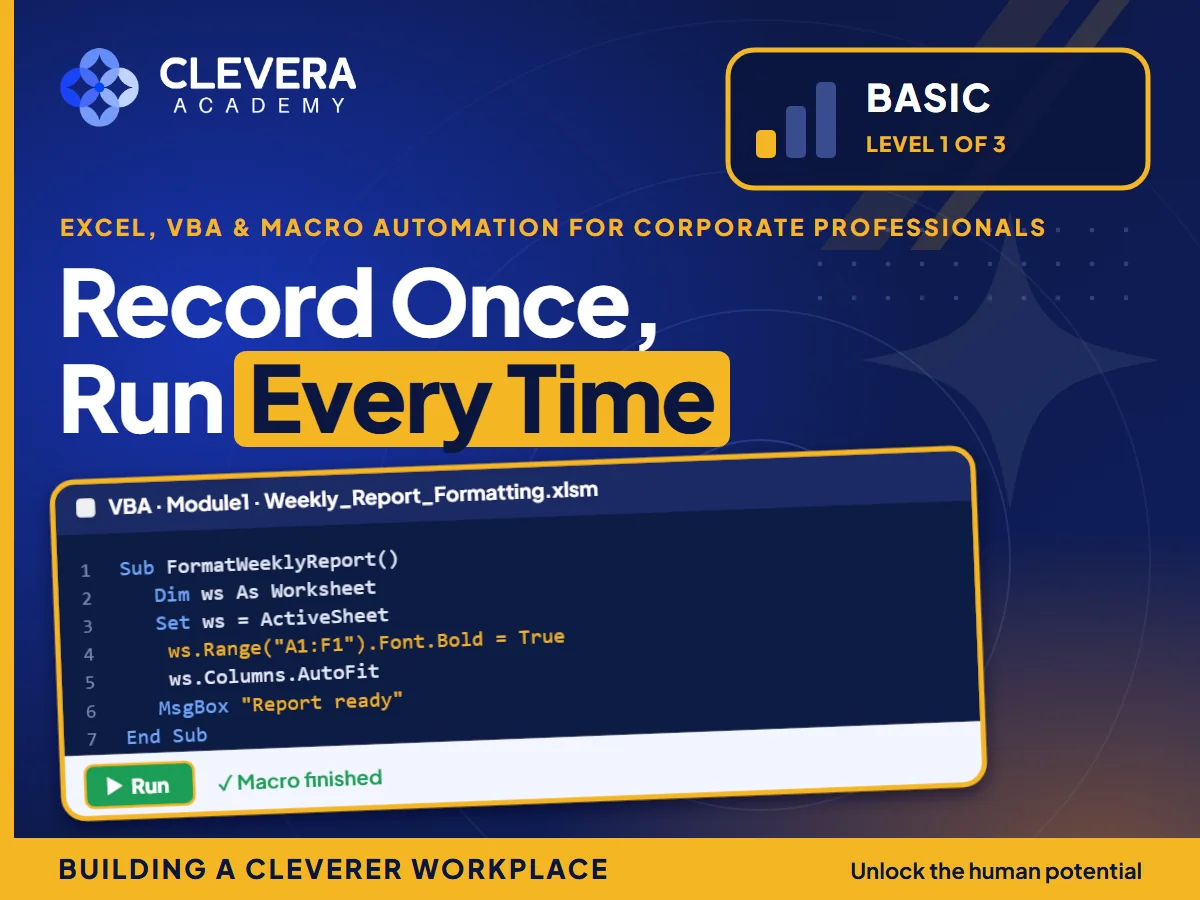
Record Once, Run Every Time

This one-day Basic level shows how to hand those steps to Excel with recorded macros: prepare data that automation can rely on, record and run macros safely, and automate the most repetitive tasks. Everything is practised on realistic business cases with fictional company data, and the day ends with a final project: a macro that formats a weekly report with one click.

1 day
Excel, VBA & Macro Automation for Corporate Professionals (Basic) corporate training session

Learning outcomes

  • Structure data so macros can rely on it.
  • Explain what macros can and cannot do.
  • Record, run and re-run macros on new data.
  • Automate repetitive formatting and clean-up tasks.
  • Run macros safely, with buttons and on copies of the data.

Course outline

  1. 1

    CLEAN DATA FOR AUTOMATION

    • • Data that a macro can handle every time.
  2. 2

    INTRODUCTION TO MACROS

    • • What macros can do, and when to use them.
  3. 3

    RECORDING MACROS

    • • Capture a routine once, then replay it.
  4. 4

    AUTOMATING REPETITIVE TASKS

    • • Hand the routine work to Excel.
  5. 5

    RUNNING MACROS SAFELY

    • • Automation the whole team can use.

Quick facts

How long is the programme?
1 day. The schedule can be adjusted, for example split into half-day sessions, to suit your operations.
Who should attend?
Executives, Finance Staff, Analysts, Managers.
Where is it held?
In-house at your premises, at an external venue or hotel of your choice, or virtually, anywhere in Malaysia including Kuala Lumpur, Selangor, Penang and Johor.
Can the content be customised?
Yes. We tailor examples, case studies and activities to your industry, KPIs and company values while keeping the programme's learning outcomes.

Related programmes